 kiruthika

Introduction
Interior design used to mean months of mood boards, expensive consultations, or just staring at a blank room hoping inspiration would strike. That’s changed fast. A photo, a prompt, and about 30 seconds is now often all it takes to see a fully redesigned version of your actual room, complete with furniture you can click and buy.
We pulled real 2026 pricing, verified feature sets, and independent reviews to rank the ten best AI interior design tools available right now, spanning everything from quick photo makeovers to full professional rendering suites.
Table of Contents
- Key Highlights
- What Actually Matters When Choosing an AI Interior Design Tool
- The Top 10 Best AI Interior Design Tools
- Important Statistics Table
- How to Use an AI Interior Design Tool (Step-by-Step)
- Pros and Cons Table
- Comparison Table: Top 10 Tools at a Glance
- Current Trends in AI Interior Design
- FAQs
- References
Key Highlights (Quick Facts)
- The global AI in interior design market is valued at roughly $1.76 billion in 2026 and is projected to reach $4.55 billion by 2030, growing at a 26.8% compound annual growth rate.
- ReimagineHome leans heavily into shoppable design, showing real furniture from retailers complete with prices and purchase links, with plans starting around $19 to $99 per month.
- Planner 5D offers a genuinely usable free tier with unlimited projects, while its Premium plan runs just $4.99 per month billed annually, among the most affordable options in this list.
- InteriorAI, created by indie maker Pieter Levels, is known for its straightforward photo-to-style workflow, with plans starting at $27 per month.
- ArchiVinci offers a broad style library of more than 40 unique interior styles alongside Virtual Staging and Hyper Realism features on its higher-tier Ultra plan.
- 91% of designers say AI tools improve the quality of their work, while 89% report working faster and 80% say collaboration has become easier, according to industry survey data.
- Despite rapid AI adoption in the field, only 18% of design businesses report that AI tools have actually reduced their need for professional designers.
- The truth is, “best” depends heavily on what you’re actually trying to do. A real estate agent staging an empty listing has almost nothing in common with a homeowner trying to redecorate one bedroom on a tight budget.
What Actually Matters When Choosing an AI Interior Design Tool
Before ranking the list, here’s what genuinely separates a tool worth paying for from one that’s just a novelty.
Photo-to-Render Accuracy
The best tools preserve your room’s actual walls, windows, lighting, and proportions rather than generating a generic room that merely resembles yours, which matters enormously if you’re trying to visualize your real space.
Shoppable Furniture vs. Generic Inspiration
Some platforms link every piece of generated furniture to a real, purchasable product with a price attached, while others only offer visual inspiration you’d still need to source yourself, a meaningfully different value proposition depending on your goal.
Commercial Usage Rights
Real estate agents, stagers, and professional designers need commercial licensing built into their plan, which is typically reserved for paid tiers rather than free ones.
Edit-After-Render Control
The strongest tools let you swap a single sofa or paint color without regenerating the entire image from scratch, saving significant time compared to tools that only offer full re-renders.
Output Resolution and Speed
Client-facing professional work benefits from 4K-resolution exports, while casual homeowners may care more about how fast a render finishes, often in as little as 30 seconds on the fastest platforms.
The Top 10 Best AI Interior Design Tools
Here is our researched, no-fluff ranking of the best AI interior design tools available right now.
1. Planner 5D
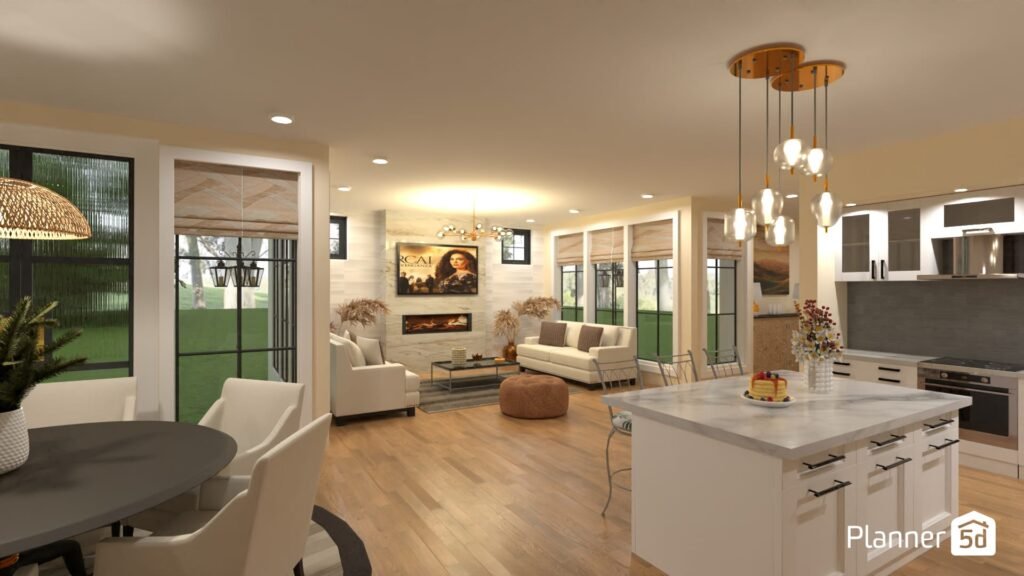
Price: Free with unlimited projects; Premium at $4.99/month (billed annually); Professional at $33.33/month (billed annually)
Features: Planner 5D’s AI floor plan recognition can turn a photo of your actual floor plan into an interactive 3D model within minutes, and its Design Generator suggests decor styles tailored to your preferences. The Professional tier adds multiple share formats, custom-branded profiles, and lead-generation tools built for working designers.
Why it stands out: This is the clearest value pick on the list, offering a genuinely usable free tier and one of the lowest paid entry points of any major AI interior design platform. It’s an especially strong fit for DIYers who want serious 3D modeling control without paying professional-tier prices.
2. ReimagineHome
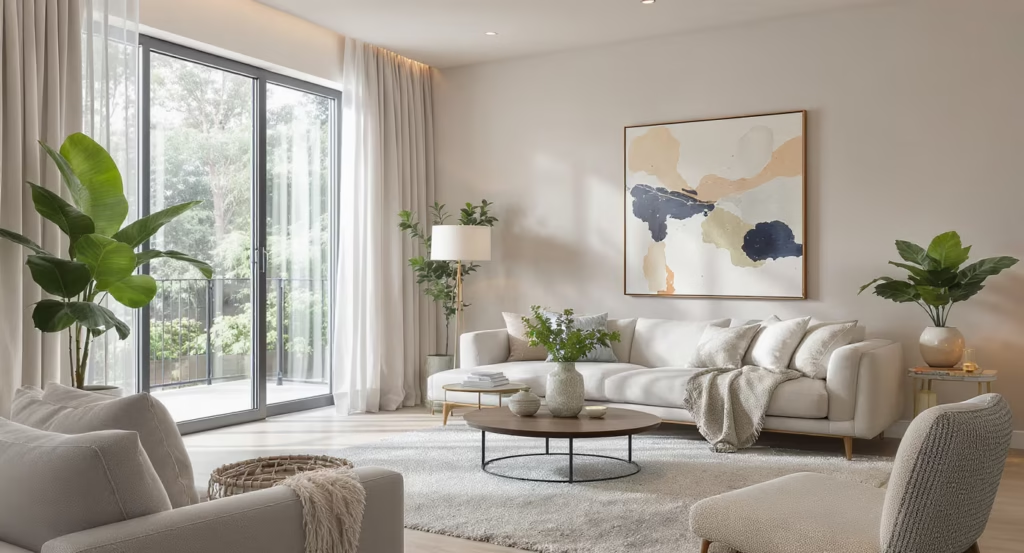
Price: Free tier with 3 designs; Pro plans ranging from roughly $19 to $99/month depending on source
Features: ReimagineHome’s standout capability is its shoppable furniture system, where every generated design links to real products from retail partners, complete with prices and a running budget total. Its Budget Filtering feature lets users set a spending cap and get furniture recommendations that stay within it, and it also handles exterior rendering for construction photos.
Why it stands out: Reviewers on Unite.AI specifically praise the render speed, around 30 seconds per image, and the practical value of seeing purchasable items rather than generic inspiration. One reviewer noted replacing a $5,000 professional render with something generated in 10 minutes.
Image: An AI-generated living room render shows a photorealistic redesign with matching furniture — modern AI interior design tools can now transform a single photo into a fully staged room in under a minute.
3. InteriorAI
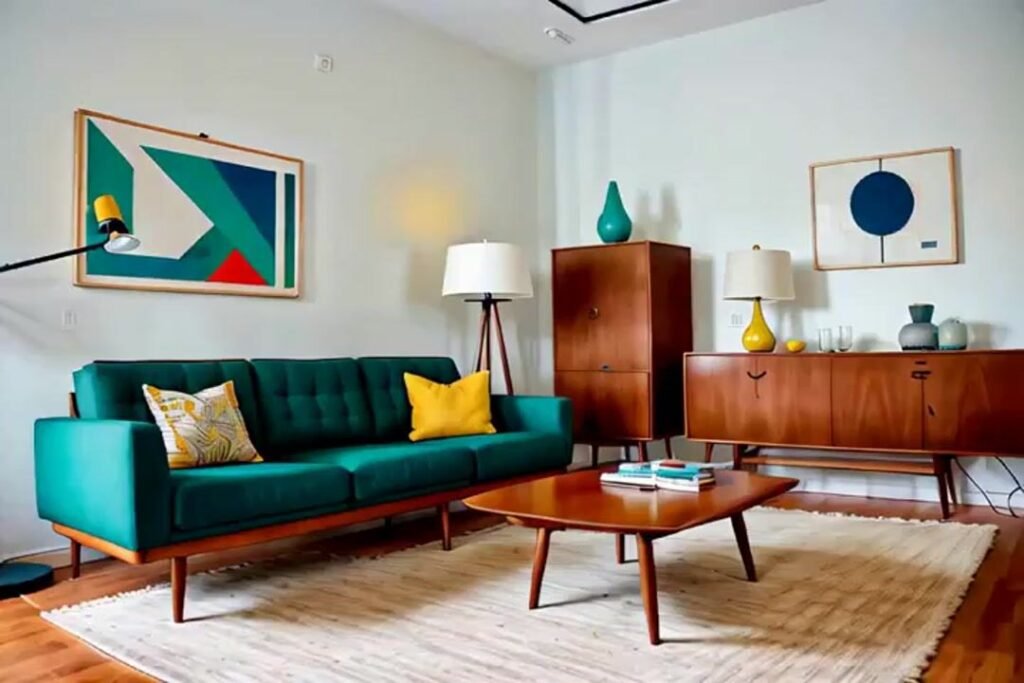
Price: Plans starting at $27/month
Features: Created by indie maker Pieter Levels, InteriorAI keeps its workflow deliberately simple: upload a photo, pick a style, get a render. It’s built around speed and ease of use rather than deep customization or granular prompt control.
Why it stands out: InteriorAI is best for users who prioritize speed and simplicity over advanced features, making it a strong entry point for anyone who wants fast results without learning a complex interface.
4. ArchiVinci

Price: Pro at $49/month; Premium and Ultra plans up to $199/month
Features: ArchiVinci offers more than 40 unique interior styles, functioning as both a fast style explorer and a rapid interior moodboard generator. Its Premium and Ultra tiers unlock Virtual Staging, Hyper Realism rendering, 3D VR walkthroughs, and access to a dedicated render server for professional-grade output.
Why it stands out: ArchiVinci is among the fastest image-generation workflows in the category and requires no technical skill, making it a strong choice for real estate professionals who need quick virtual staging at scale.
5. Spacely AI
Price: Free tier with lower-resolution, watermarked exports; paid plans priced roughly double the category average
Features: Spacely AI’s standout capability is reference-image style transfer, letting users upload a Pinterest image or magazine clipping so the AI extracts and applies that specific aesthetic to their own room, rather than picking from a generic preset library. Outputs are available at full 4K resolution suitable for direct use in client presentations.
Why it stands out: Spacely AI sits at the intersection of photo-based redesign and professional rendering, approaching the output quality of platforms like Foyr Neo without requiring any 3D modeling skills.
Image: A tablet displays an interactive floor plan alongside furniture placement options — AI-assisted floor planning has become a core feature across nearly every modern interior design platform.
6. Foyr Neo
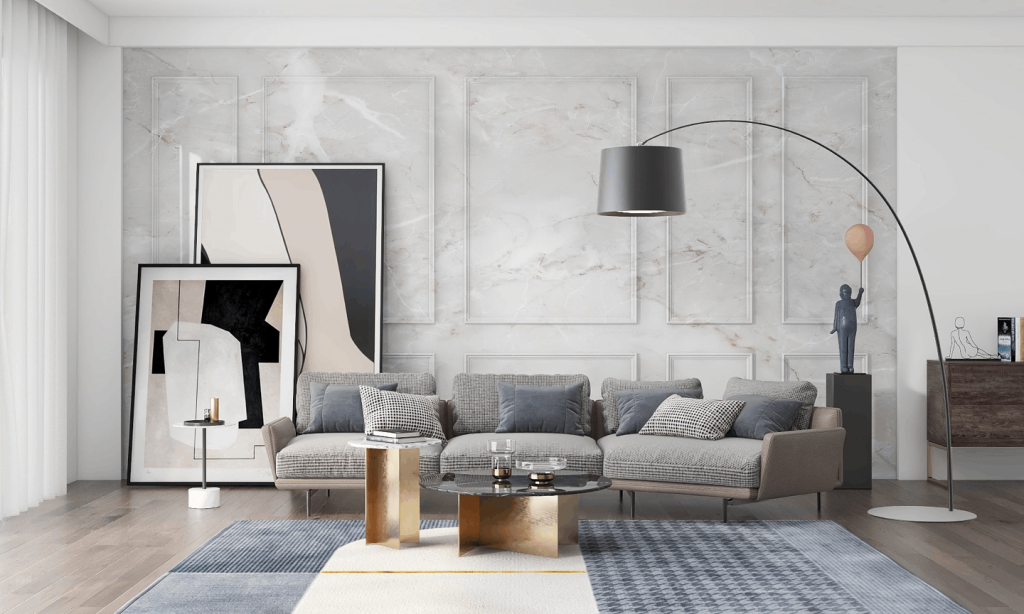
Price: Premium positioning; Pro plan runs roughly $264/year
Features: Foyr Neo replaces multiple standalone professional tools with one platform, combining AI layout generation, client-presentation features, and full design workflow tools built specifically for active design practices rather than casual homeowners.
Why it stands out: Foyr Neo is purpose-built for solo interior designers and boutique studios running active client work, where replacing several separate tools with one platform genuinely offsets its higher price. It’s not the right fit for casual consumer use, since tools like Decor8 or Homestyler run 5 to 10 times cheaper.
7. HomeDesignsAI
Price: Individual and Pro tiers, with free credits offered daily
Features: HomeDesignsAI positions itself as an all-in-one platform covering interior staging, exterior redesign, paint visualization, and landscaping, aiming to replace the need for several separate specialized tools entirely.
Why it stands out: This tool is the right choice if you want one platform that genuinely handles everything, appealing to homeowners planning renovations, real estate agents staging properties, and even landscapers visualizing outdoor projects within a single workflow.
8. Paintit AI
Price: Monthly photo-quota subscriptions across Basic and Standard tiers
Features: Paintit AI combines chat-based design guidance with practical purchasing, and its standout feature, Real Furniture Suggestions, matches generated concepts with items you can actually buy.
Why it stands out: The chat-based interaction style creates a smoother interior design automation loop from initial idea straight through to actionable purchase, which suits users who prefer conversational guidance over manually adjusting sliders and presets.
9. Collov AI
Price: Volume-friendly tiered plans built for staging workloads
Features: Collov AI is frequently cited alongside InteriorAI as offering the best combination of output quality and per-image economics for real estate professionals with high-volume staging needs.
Why it stands out: For agents and stagers who need to process dozens of listing photos efficiently, Collov AI’s pricing structure and rendering consistency make it a genuinely practical choice at scale, rather than a tool better suited to one-off personal projects.
Image: A minimalist, professionally virtually staged living room demonstrates the kind of photorealistic output real estate agents now use to market empty listings without hiring a physical staging crew.
10. RoomGPT
Price: Generous free tier, positioned as an accessible entry point
Features: RoomGPT offers a simple one-photo workflow that generates a redesigned version of a room almost instantly, without requiring an account for basic use.
Why it stands out: RoomGPT is frequently recommended as one of the natural starting points for homeowners redecorating a single room, thanks to its generous free tier and near-zero learning curve compared to more feature-dense professional platforms.
Important Statistics Table
| Tool | Starting Price | Best For | Standout Feature |
| Planner 5D | Free / $4.99/mo | DIY homeowners | AI floor plan recognition |
| ReimagineHome | ~$19-$99/mo | Shoppable redesigns | Real furniture with purchase links |
| InteriorAI | $27/mo | Speed and simplicity | Fast photo-to-style workflow |
| ArchiVinci | $49-$199/mo | Real estate professionals | 40+ styles, Virtual Staging |
| Spacely AI | Free / premium tiers | Client presentations | Reference-image style transfer |
| Foyr Neo | ~$264/yr | Active design studios | All-in-one designer workflow |
| HomeDesignsAI | Free credits / paid tiers | All-in-one users | Interior, exterior, and landscaping |
| Paintit AI | Quota-based tiers | Conversational design | Real Furniture Suggestions |
| Collov AI | Volume-based tiers | High-volume staging | Strong quality-to-cost ratio |
| RoomGPT | Free tier | First-time users | Instant one-photo redesign |
How to Use an AI Interior Design Tool (Step-by-Step)
- Take a clear, well-lit photo of your actual room, since most tools generate more accurate results from photos without heavy shadows or clutter blocking key surfaces.
- Choose a tool that matches your actual goal, since a shoppable-furniture platform like ReimagineHome serves a very different purpose than a professional rendering suite like Foyr Neo.
- Upload the photo and select a style or reference image, using tools like Spacely AI’s style-transfer feature if you have a specific Pinterest or magazine look in mind.
- Set a budget filter if the platform supports it, so any suggested furniture stays within a realistic spending range rather than showing aspirational pieces you can’t actually buy.
- Review the generated render for accuracy, checking that walls, windows, and proportions match your real room rather than a generic AI-invented layout.
- Use edit-after-render features where available, swapping individual pieces like a sofa or paint color instead of regenerating the entire image from scratch.
- Export at the resolution your use case requires, using 4K exports for client presentations or listing photos, and standard resolution for personal inspiration.
Pros and Cons Table
| Tool | Pros | Cons |
| Planner 5D | Strong free tier, very low-cost premium plan | Fewer advanced professional features than premium rivals |
| ReimagineHome | Genuinely shoppable results, fast renders | Higher-tier pricing can climb toward $99/month |
| InteriorAI | Extremely fast, simple workflow | Less granular prompt control than competitors |
| ArchiVinci | Huge style library, professional-grade tiers | Ultra tier pricing reaches $199/month |
| Spacely AI | Excellent style transfer, 4K output | Paid plans priced roughly double category average |
| Foyr Neo | Replaces multiple pro tools in one platform | Highest price point, overkill for casual users |
| HomeDesignsAI | Covers interior, exterior, and landscaping | Jack-of-all-trades approach may lack specialist depth |
| Paintit AI | Conversational, purchase-focused workflow | Quota-based pricing can feel limiting for heavy users |
| Collov AI | Strong economics for high-volume staging | Less suited to casual, one-off personal projects |
| RoomGPT | Fast, free, near-zero learning curve | Fewer advanced features than paid professional tools |
Comparison Table: Top 10 Tools at a Glance
| Tool | Best For | Free Tier | Shoppable Furniture |
| Planner 5D | DIY floor planning and modeling | Yes | No |
| ReimagineHome | Shopping while redesigning | Yes (3 designs) | Yes |
| InteriorAI | Fast, simple style changes | Limited | No |
| ArchiVinci | Real estate virtual staging | No | No |
| Spacely AI | Client presentation-ready renders | Yes (watermarked) | No |
| Foyr Neo | Professional design studios | No | No |
| HomeDesignsAI | All-in-one interior/exterior work | Yes (daily credits) | No |
| Paintit AI | Conversational design guidance | Limited | Yes |
| Collov AI | High-volume real estate staging | Limited | No |
| RoomGPT | First-time, casual users | Yes | No |
Image: A modern minimalist living room shown mid-redesign on a laptop screen — AI interior design tools now let homeowners and agents preview a completely different look in the same physical space within seconds.
Current Trends in AI Interior Design
The AI interior design space keeps evolving fast, and a few clear patterns stand out right now.
Shoppable Design Is Becoming the Default Expectation
Tools like ReimagineHome and Paintit AI are pushing the category beyond pure inspiration toward closing the gap between visualization and actual purchase, and several competitors have added “shop this look” features in response.
AI Is Speeding Up Work Without Replacing Designers
Industry data shows 91% of designers say AI tools improve the quality of their work and 89% report working faster, yet only 18% of businesses say AI has actually reduced their need for professional designers, suggesting these tools are augmenting rather than replacing skilled work.
The Market Is Growing Fast, But Estimates Vary Widely
Depending on how research firms define the category, the AI in interior design market is valued anywhere from roughly $1.76 billion to $2.58 billion in 2026, with most forecasts agreeing on continued growth above 25% annually through 2030.
Real Estate Staging Remains a Major Growth Driver
Platforms like ArchiVinci and Collov AI continue optimizing specifically for high-volume, fast-turnaround virtual staging, reflecting how much of the category’s commercial demand comes from agents and property listings rather than individual homeowners.
Edit-After-Render Control Is Becoming a Key Differentiator
As more platforms reach rough feature parity on basic photo-to-render generation, the ability to swap a single piece of furniture or adjust one detail without a full regeneration is emerging as a genuine competitive advantage.
Conclusion
The best AI interior design tool for you comes down to what you’re actually trying to accomplish. Homeowners chasing a quick, budget-friendly makeover should start with Planner 5D or RoomGPT, shoppers wanting a real furniture list should look at ReimagineHome, and real estate professionals needing volume staging will find the strongest fit with ArchiVinci or Collov AI. Whichever tool you choose, start with the free tier if one’s available, since render quality and workflow feel can vary more between platforms than the marketing pages ever suggest.
References
- Jotform Blog — The 6 Best AI Tools for Interior Design in 2026
- HomeDesigns.ai — 10 Best AI Interior Design Tools in 2026 (Honest Comparison)
- OfficeChai — 14 Best AI Tools for Interior Design (With Examples) [2026]
- ArchiVinci — 15 Powerful AI Interior Design Tools in 2026
- ToolWorthy.ai — 15 Best AI Interior Design Tools 2026 (Tested & Compared)
- AI Renovation — Best AI-Powered Interior Design Tools Reviewed in 2026
- RapidRenders — Top AI Tools for Interior Designers in 2026
- MeltFlex AI — Best AI Interior Design Tools Compared (2026)
- Grand View Research — AI In Interior Design Market Size & Share Report, 2026-2033
- Research and Markets — Virtual Interior Design Artificial Intelligence (AI) Market Report 2026
- First Chair Blog — 34 Statistics Revealing How AI Is Transforming Interior Design Adoption in 2026
- Instant Interior AI — The State of Interior Design in 2026: Market Size, AI Trends, Costs, and Industry Statistics
FAQs
Planner 5D offers the strongest free tier among major platforms, with unlimited projects and access to core design tools, while RoomGPT is a solid free option for a fast, one-photo redesign with no learning curve.
ReimagineHome and Paintit AI both specialize in shoppable design, linking generated furniture directly to real products from retail partners with prices and purchase links included.
Quality varies by platform, but the strongest tools preserve your room’s real walls, windows, and proportions rather than generating a generic space, which is why photo quality and lighting matter significantly for accurate results.
Not based on current data. While 91% of designers say AI tools improve their work and 89% report working faster, only 18% of design businesses report that AI has actually reduced their need for professional designers.
ArchiVinci and Collov AI are both frequently recommended for real estate professionals, offering fast, high-volume virtual staging with strong output quality and efficient per-image economics.
Pricing varies widely, from free tiers on platforms like Planner 5D and RoomGPT to premium professional suites like Foyr Neo running roughly $264 per year, with most consumer-focused tools falling between $19 and $49 per month.
Many platforms, including ReimagineHome, generate a redesigned room in around 30 seconds, though output speed and resolution can vary depending on the plan tier and whether the render includes advanced features like Hyper Realism.



GIPHY App Key not set. Please check settings